
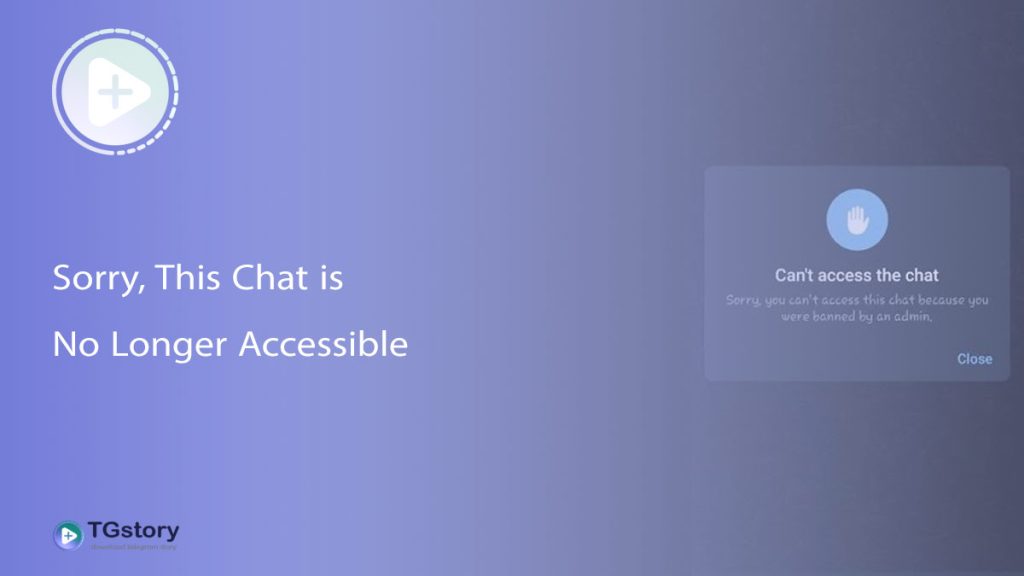
Picture this: You open your Telegram app to check an old conversation, grab a link from a saved group, or see an update from your favorite channel. But instead of messages, you’re hit with a frustrating pop-up notification: “Sorry, this chat is no longer accessible.”
What just happened? Did you get blocked? Is Telegram down? Or did you accidentally delete something?
If you’re scratching your head wondering why a perfectly good chat has suddenly vanished into thin air, you’re not alone. At [TGStory.net], we deal with Telegram quirks every day. In this quick guide, we’ll break down exactly what this error means, why it happens, and what (if anything) you can do about it.
What Does “This Chat is No Longer Accessible” Actually Mean?
In simple terms, this error is Telegram’s way of saying: “We can’t find this chat on our servers anymore.”
Unlike WhatsApp, Telegram is a cloud-based messenger. When you open a chat, your app fetches the data directly from Telegram’s cloud. If the destination data has been wiped, moved, or restricted, the connection breaks, and you get this exact error message.
But why does it disappear in the first place? Here are the top 5 reasons:
Top 5 Reasons You Are Seeing This Error
By subscribing to Telegram Premium, users gain access to extra functionalities that are not available in the free version.
1. The Other Person Deleted Their Account
This is the most common reason for individual chats. If you were talking to someone and they decided to permanently delete their Telegram account, their profile turns into a “Deleted Account” ghost. While your chat history might still be visible for a while, trying to interact with it or open certain media can trigger the “no longer accessible” error.
2. The Group or Channel Was Deleted by the Admin
If you’re trying to open a group or a public channel and you see this error, the creator probably pulled the plug. When an admin deletes a group or channel, it ceases to exist for all members immediately. The shortcut might still linger in your chat list for a few hours, but tapping it will give you the error.
3. Telegram Banned the Chat (TOS Violation)
Telegram has strict rules regarding copyright infringement, spam, and illegal content. If a channel or group violates Telegram’s Terms of Service, the platform’s moderators will shut it down without warning. If you were a member of that community, it becomes instantly inaccessible.
4. It Was a “Secret Chat” and the Session Ended
Telegram’s Secret Chats are end-to-end encrypted and device-specific. If you start a secret chat with someone and they log out of their Telegram app on their device—or if they delete the app—the secret chat is instantly destroyed. Clicking on it on your end will result in an accessibility error.
5. A Temporary Server Glitch or Cache Issue
While rare, sometimes Telegram’s servers just have a hiccup. Your app might be trying to load a chat using old, corrupted cache data on your phone, causing a false error.
Did I Get Blocked?
This is a very common question, but the answer is usually no.
If someone blocks you on Telegram, the chat remains accessible. You can still open it and read old messages. You just won’t be able to see their profile picture, their online status changes to “last seen a long time ago,” and your new messages will only get one checkmark. The “no longer accessible” error means the chat itself is gone, not that you are blocked.
Can You Fix It or Recover the Chat?
We have to be honest with you: In 99% of cases, you cannot recover a chat that triggers this error. Because the content has been removed from Telegram’s cloud, it’s gone for good.
However, if you suspect it’s just a bug or a cache issue (Reason #5), you can try these quick troubleshooting steps:
- Clear Telegram Cache: Go to Settings > Data and Storage > Storage Usage > Clear Entire Cache.
- Restart the App: Force close Telegram and open it again.
- Check for Updates: Make sure you are using the latest version of the app from the App Store or Google Play.
If the error persists after doing this, the chat is permanently gone. The best thing to do is to long-press the chat and delete it to clean up your inbox.
Don’t Let Good Content Disappear (A Pro Tip!)
The “chat no longer accessible” error is a harsh reminder of one simple truth: Nothing on the internet is permanent. Channels get deleted, users leave, and amazing content can disappear in the blink of an eye.
This is especially true for Telegram Stories, which are designed to vanish after 24 or 48 hours anyway!
If you see a video, photo, or update on a Telegram Story that you don’t want to lose forever, don’t wait for it to become inaccessible. You can use our free tool here at TGStory.net to easily download and save Telegram stories directly to your device.
Have you experienced the “no longer accessible” error recently? Keep your app updated, back up important media, and remember that sometimes, a clean inbox is a good thing!

By subscribing to Telegram Premium, users gain access to extra functionalities that are not available in the free version.